

Solutions
Stop re-explaining your project
Save decisions, failed approaches and unfinished work for your next agent session. A PC and notebook can share that memory when both reach the same server. Default memory features need no model-provider API key.
Do you need this?
Switch agents in the middle of a task
Hit a rate limit in Claude Code at 4 PM. Open Codex in the same directory and keep going.
Claude Code
ai-memory
Handoff
Codex
Claimed once
Summary
Next steps
Open questions
Typed
A handoff carries a session summary, the next steps and the open questions. The next agent gets it at session start, before you type anything.
Even when nothing ended
A quota limit or a crash writes no handoff. The next session is pointed at that unfinished work by name, and can read its observations.
Claimed exactly once
The first eligible session claims the handoff. A second request cannot claim the same one. This prevents duplicate delivery of that handoff, not two agents independently choosing similar work.
Automatic, with a manual override
Every session end writes one. Say "save context for the next session" to write your own, and yours outranks the automatic one.
Two agents, Grok Build CLI and Zero, ignore what hooks print at session start. Ask them to accept the handoff and they fetch it over MCP. The integrations page lists every agent and what each one supports.
What you say day to day
Most days you say nothing. Hooks capture the session, and the session end turns it into wiki pages. When you do want something, plain English is the interface.
- “Where did we leave off?”
- Reads the pending handoff: summary, next steps, open questions.
- “Have we discussed X?”
- Searches the wiki with full text, entities, links and vectors fused into one ranking.
- “Catch me up. I have been away.”
- Builds a digest that gets longer the longer you were gone. It is prose with an LLM configured, structured data without one.
- “Remember this permanently.”
- Writes a durable, git-versioned page. Pin it and it never decays.
- “Remember this until Friday.”
- Writes the page with an expiry date. The forget sweep deletes it after that.
- “That page is out of date.”
- Records feedback for retention and lint. It does not change search ranking or directly delete the page.
The usage guide on GitHub has the full list of phrases and the MCP tool behind each one.
One launcher, and a way in for old projects
Start your agent with ai-memory run
- The first launch installs that agent’s hooks and MCP entry if they are missing. It does this once per agent.
- Switching agents resumes the same workstream, with the visible history on top of the summary handoff.
ai-memory continuefinds your most recent checkout from any directory and resumes there.- It covers 12 agents today. Launching an agent directly keeps working, and hooks alone already carry the handoff.
cd /path/to/project
ai-memory run claude

# Quit Claude Code, then continue the same workstream in Codex.
ai-memory run codex --yolo

# From any directory: put me back where I was.
ai-memory continue
Adopt a project you already have
The first session in an empty project imports your local agent history once, capped at the newest 25 sessions. You can also run it by hand.
# See what would be imported, then import it
ai-memory backfill --dry-run
ai-memory backfill
Opt out of the automatic first-run import with AI_MEMORY_BACKFILL_ON_START=false.
# Needs an LLM provider on the server
ai-memory bootstrap --dry-run
ai-memory bootstrap
Bootstrap reads the git log, the README, docs/ and your rule files. The project measured a run at well under $0.20 with Kimi 2.6 through OpenRouter. It can write pages that sound right and are wrong, so read the dry run first.
The same memory on your PC and your notebook
Run one server and point your machines at it. By default, project identity comes from the Git remote; folders without a valid remote use their directory name. Marker files can override this, so check the resolved project when connecting a second machine.
PC
One ai-memory server
Notebook
Offline
Local spool
One ai-memory server
Drains later
- Put the server on a homelab box, or on whichever machine stays on. It is one binary or one container.
- When the notebook is offline, hook events go to a local spool and drain when the server is reachable again. Each entry has an idempotency key, so nothing is stored twice.
ai-memory statusshows how many events are pending and how old the oldest is.- Remote access needs a bearer token and TLS, even within your LAN. Configure both before connecting another machine.
# On the PC and on the notebook
export AI_MEMORY_SERVER_URL="https://memory.example.com"
export AI_MEMORY_AUTH_TOKEN='REPLACE_WITH_YOUR_SERVER_TOKEN'
ai-memory install-mcp   --client claude-code --apply
ai-memory install-hooks --agent  claude-code --apply

# then launch as usual
ai-memory run claude
Local memory and readable files
The default install costs nothing to run and stores everything as markdown in a git repository.
Zero LLM calls
Capture, session summaries, handoffs and search all run without a model. Summaries are rule based until you add a provider.
Embeddings run in the binary
A small local model (all-MiniLM-L6-v2, about 87 MB) downloads once in the background. Vector search turns on at the next restart. It needs no key and no GPU.
Loopback only
The default server listens on 127.0.0.1:49374 with no account and no telemetry. Nothing else on the network can reach it.
wiki/ plain markdown
grep
Obsidian
Edit
rsync
git history
Take the files anywhere
You can read and edit the Markdown pages. Reindex rebuilds their search index, but sessions, handoffs and accounts also need the database. Use ai-memory backup; a git push of the wiki alone is not a full backup.
# Copy the wiki out of the container and open it in Obsidian
docker cp ai-memory:/data/wiki ./my-ai-memory-wiki

# Or read its history
git -C /data/wiki log --oneline
A browser for your memory
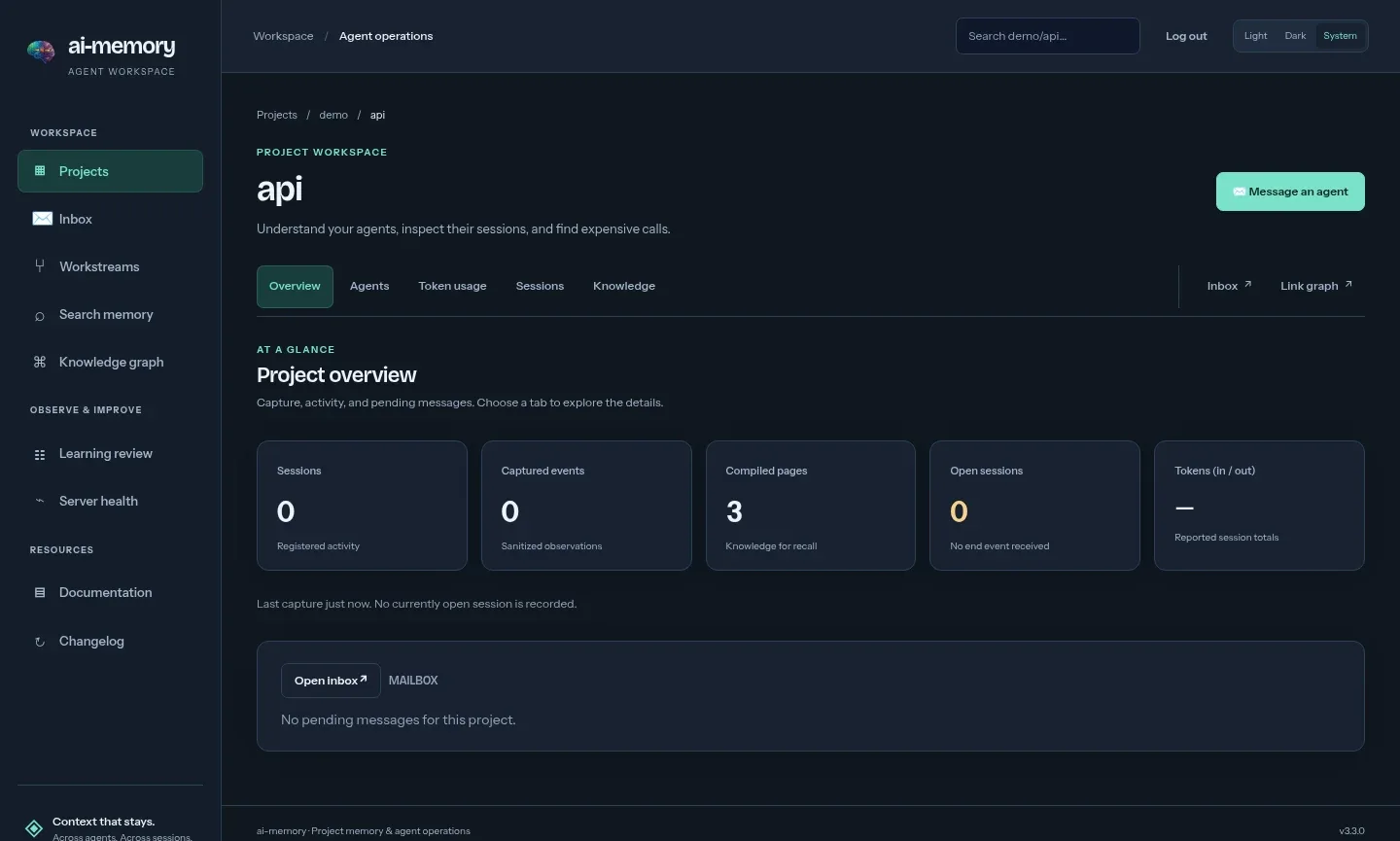
One flag opens the browser dashboard with projects, activity, saved pages, search and inboxes. Wiki pages remain read-only here; authorized users can send or edit pending messages.
ai-memory serve --transport http --bind 127.0.0.1:49374 --enable-web
# then open http://127.0.0.1:49374/web
Questions and answers
Do I need an API key or an LLM to use ai-memory?
No. Capture, session summaries, handoffs and search work with zero LLM calls. Embeddings for vector search run in-process with a local model. An LLM provider is optional and adds richer consolidation, bootstrap and reranking.
Do I have to use ai-memory from the first day of a project?
No. Add it at any point. The first session in a project with no memory yet imports the agent sessions already on your machine, from every supported agent, up to the newest 25. It runs once, in the background, with no LLM. ai-memory bootstrap can also build pages from the git log, the README and your docs, and that one needs an LLM.
Can I use the same memory on a PC and a notebook?
Yes. Run one ai-memory server on a homelab box or on one of the machines and point both at it. There is no replication between servers. If the notebook is offline, hook events spool locally and drain when the server is reachable again.
Is Claude Code’s built-in memory enough?
For one developer on one machine who only uses Claude Code, it may be. It stops being enough when you add a second agent, a second machine or a second person.
Where is my memory stored?
Reindex rebuilds pages, links and full-text search from Markdown. It cannot recover database-only sessions, observations, handoffs, users, keys or audit records.
Give your agents a memory today.
Free and open source. Default memory features need no model-provider key, and you own the data.